




3D Printing
Welcome to 3D Printing Service
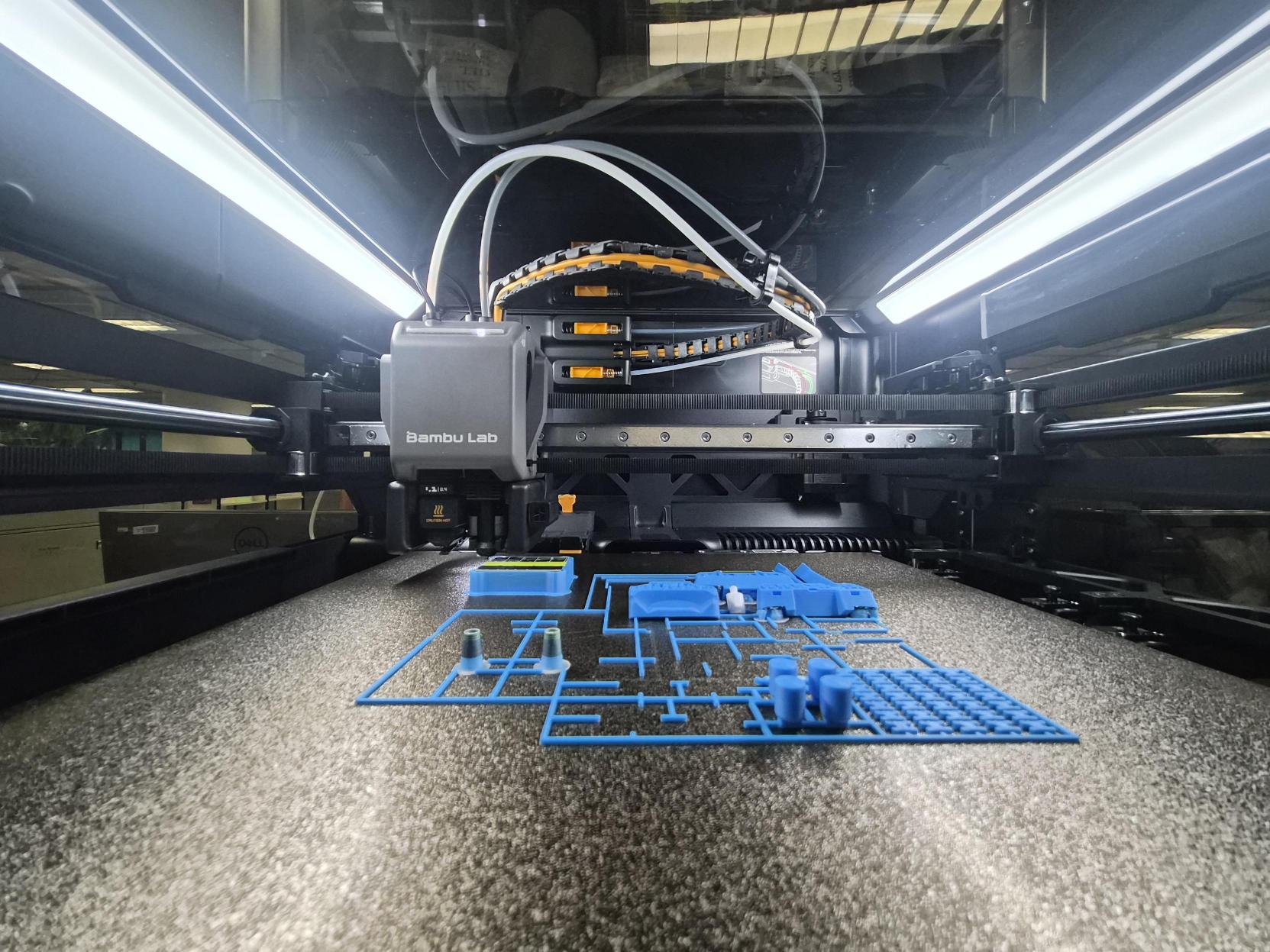
Turn ideas into reality with the Library's beginner-friendly, self-service 3D printing service for HKUST students. Whether for prototyping, creative projects, or personal exploration, the service supports innovation, self-learning, and hands-on making in an accessible environment.
Enjoy multi-colour printing, faster print speeds, and improved print quality, making it easier to create detailed models efficiently. Colour pens and basic finishing tools are also available to add unique touches and refine printed objects.
Designed for short-duration prototyping, the reservation-based service allows bookings of up to 4 hours per session, with a maximum of 1 session per day and 2 sessions per week. Reservations may be made on the same day or up to two weeks in advance.
Service Hours
| Fall Term & Spring Term | 9:30 am – 8:30 pm |
| Winter Term & Break | 9:30 am – 5:30 pm |
| Summer Term | 9:30 am – 7:30 pm |
| Summer Break | 9:30 am – 5:30 pm |
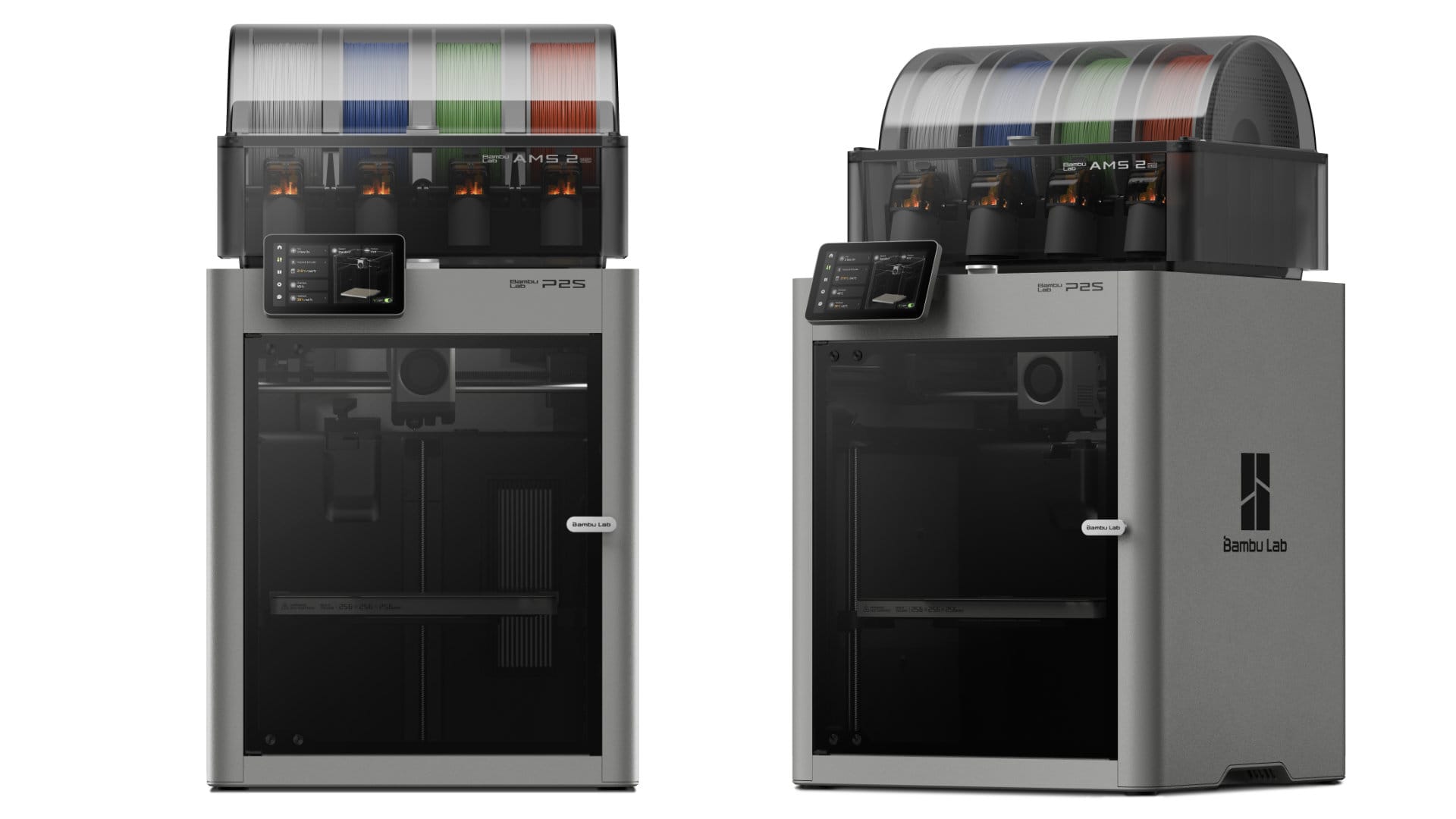
| Model | Bambu Lab P2S AMS Combo |
Suggest File format | STL, STEP, 3MF |
Print Volume (mm³) | 256 x 256 x 256 |
Colour Options | White Only |
Start‑up Time | Approximately 3-5 minutes |
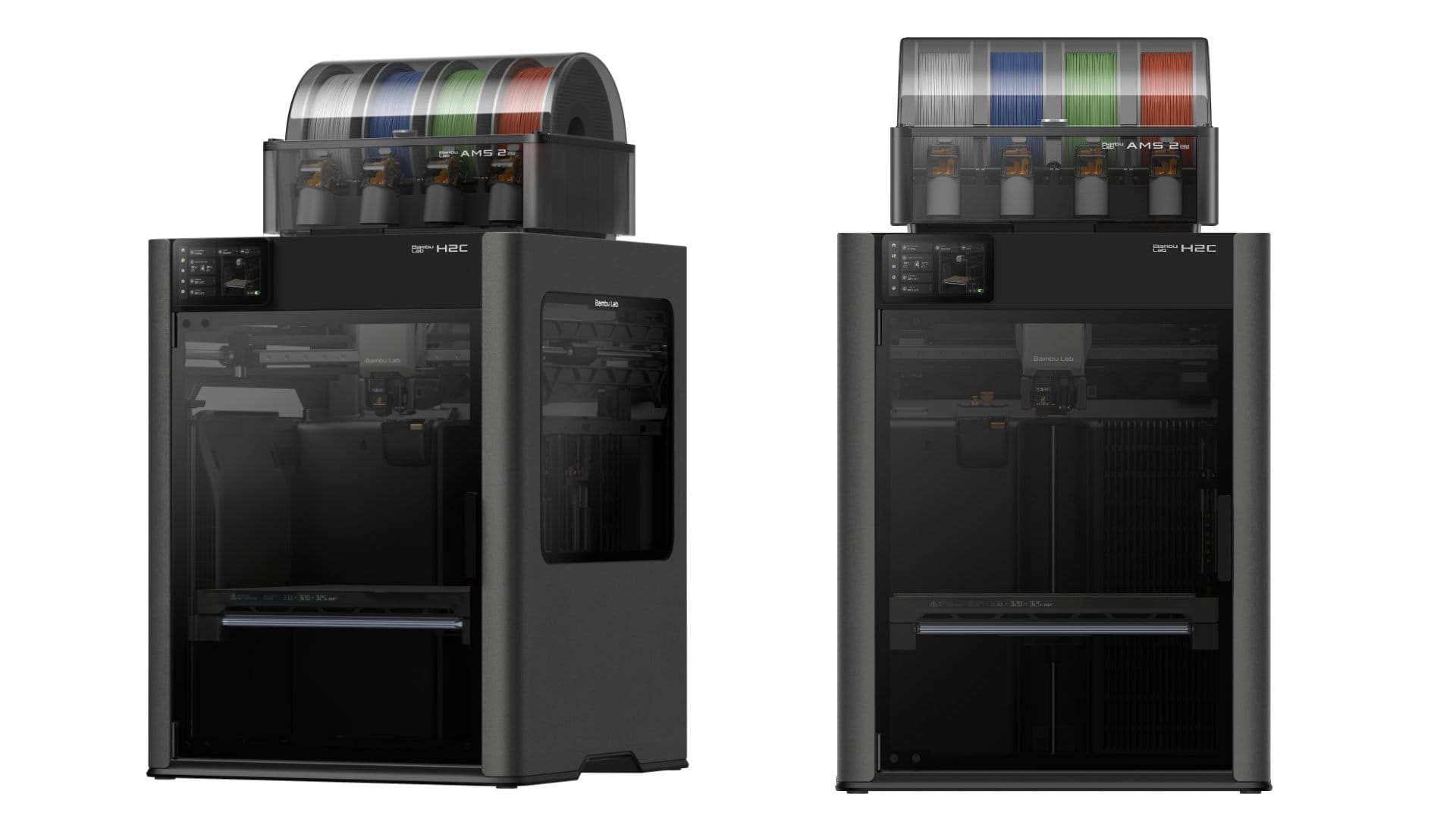
| Model | Bambu Lab H2C AMS Combo |
Suggest File format | STL, STEP, 3MF |
Print Volume (mm³) | 330 x 320 x 325 |
Colour Options | White + Black + 2 random colours |
Start‑up Time | Approximately 5-7 minutes |
User Guidelines
Eligibility & Access
Only HKUST students with a valid HKUST email account are eligible to use the service.
- Users may reserve up to 4 hours per session, subject to a limit of 1 session per day and 2 sessions per week. Reservations may be made on the same day or up to two weeks in advance.
- Each HKUST email account may reserve and use only one workstation and one 3D printer at a time.
- Users must log in to their reserved workstation within 10 minutes of the session start time. Otherwise, the reservation will be treated as a no-show. Any remaining consecutive reservations may be cancelled and released to other users. No-show and cancelled sessions will count towards the user's booking quota.
- This service is intended solely for educational, research, and non-commercial purposes. Other activities, including but not limited to student society activities, are not permitted unless approved by the Library.
- By using this service, users acknowledge that they have read, understood, and agreed to comply with all applicable Library and University regulations, policies, and terms of use.
Printing, Equipment & Filament
- Users are responsible for preparing and configuring print files, monitoring print jobs, and collecting printed objects upon completion.
Only Library-provided PLA filament (1.75 mm) may be used. One printer supports single-colour printing, while the other supports up to four colours. Users may only use the filament currently installed in the printer, as indicated at each workstation.
All print jobs must be completed within the reserved session(s). Users should plan their designs and printing time carefully, as overnight printing is not permitted.
Users with a valid reservation have priority access to the reserved 3D printer and workstation. Any ongoing print job may be terminated by the reserved user at the start of the reserved session.
Printed models may contain minor surface imperfections (e.g. bumps, stringing, or small holes). These are normal characteristics of 3D printing and are not considered defects.
Users are solely responsible for ensuring that their designs and printed objects comply with all applicable copyright, patent, trademark, and intellectual property laws and regulations.
Security & Unattended Items
Do not store personal, private, or confidential data on workstations or any devices, and do not leave personal belongings unattended. Unattended items may be removed by Library staff without prior notice.
Unclaimed printed models and other unclaimed items may be discarded without prior notice after a reasonable retention period.
Users must respect Library facilities, equipment, and other users. Users are responsible for keeping the area clean and tidy.
Conduct & Service Rights
Users must comply with all safety instructions and operational guidance provided by the Library and may not create, print, or attempt to produce prohibited items, including but not limited to weapons, weapon-like objects, weapon components, figures holding weapon-like objects, indecent objects, or other dangerous objects. The Library reserves the right to stop, remove, suspend, refuse, or cancel any print job that is inappropriate, unsafe, unlawful, exceeds service limitations, exceeds the reserved sessions, or violates Library policies. Access to the service may be suspended for violations.
The Library may temporarily suspend access to facilities and services for maintenance, upgrades, operational needs, or other circumstances beyond its control. Any ongoing or unattended print jobs may be stopped, removed, or cancelled.
Disclaimer
- The Library is not responsible for print failures, design errors, file preparation issues, or any loss of or damage to personal belongings, printed objects, data, or other materials arising from the use of the service.
- The availability of equipment, software, filament supplies, and filament colours is subject to operational requirements and stock availability.
- Printing results may vary depending on printer conditions, filament characteristics, and print settings.
- Use of this service constitutes acceptance of the associated risks and responsibilities.
- The Library reserves the right to modify, suspend, or discontinue the service as necessary.
3D Design Resources
Download a design
Find ready-made 3D models for download and printing.
Review the copyright or specific license terms on each platform to ensure proper copyright and attribution rules are suitable for downloading 3D models.
Modeling software
Create or edit your own 3D models. Many tools are free to use.
Library provides Adobe Creative Cloud Workstations in IC (G/F) which installed Blender for 3D modeling.
How to print?
3D Printing Workshops
The Library offers introductory-level 3D printing workshops to help students explore new ideas, develop 3D printing and modelling skills, and foster creativity and innovation.
Workshops are normally offered during the Fall and Spring terms. For upcoming schedules and details, please visit the Library Events page.
A: Reservation limits apply to ensure fair access for all users.
Users may reserve up to 4 hours per session, with a maximum of 1 session per day and 2 sessions per week. Reservations can be made on the same day or up to 2 weeks in advance.
| Limit | Details |
|---|---|
| Session length | 30 minutes to 4 hours |
| Daily limit | 1 session per day |
| Weekly limit | 2 sessions per week |
| Booking | Same day to 2 weeks ahead |
Examples
| Reservation | Counts as | Can I book another session on the same day? |
|---|---|---|
| 30 minutes | 1 session | ❌ No |
| 1 hour | 1 session | ❌ No |
| 4 hours | 1 session | ❌ No |
Note: A reservation counts as 1 session regardless of its duration. For example, a 30‑minute reservation and a 4‑hour reservation both count as 1 session.
A: A variety of 3D modeling software, including for free options, is available for creating 3D models. A range of ready-made designs can also be downloaded from online repositories. Please refer to Design Resources for recommended tools and websites, and ensure that the model is in a supported file format for 3D printing.
A: Not all designs can be printed successfully. Models with large overhangs, unsupported sections, or very complex features may be more difficult to print and may not produce the intended results. Printing failures can also occur due to design errors, unsuitable model geometry, incorrect print settings, or material limitations. Before printing, users are encouraged to review their designs carefully and ensure they are suitable for 3D printing.
A: Colour options are limited. One printer (P2S) supports single-colour printing only, while the other printer (H2C) offers white, black, and two additional Library-selected colours. Available colours are subject to stock availability and may change from time to time. Users are advised to check the workstation for the current filament colours before printing.
A: The printing time depends on the object's size, design, and complexity. A simple, small object may take around 30 minutes to print, while larger or more complex objects may take several hours. Users should ensure that the estimated printing time can be completed within their reserved session. Print jobs that exceed reserved sessions or violate Library policies may be stopped or cancelled.
A: If a print job has been completed, you may carefully remove the printed model and place it in the designated collection area for retrieval.
If a print job is still running at the start of your reserved session, only the next user with a valid reservation may cancel and remove the unfinished print job.
Please take care not to damage any printed model or equipment.
A: Uncollected printed models and other unclaimed items may be discarded without prior notice.
A: Users are encouraged to check the estimated filament usage of their models before printing. If the required colour is unavailable, please select another filament colour currently installed in the printer. Requests for filament colour changes or replenishment cannot be accommodated. Filament is replenished on an irregular basis and is subject to stock availability and operational requirements.
A: General guidance is available at the 3D printing station and on the Library website (see How to print). As this is a self-service facility, users are encouraged to learn through exploration and self-directed learning. To support this, the Library offers introductory 3D workshops during the Fall and Spring Terms. Please visit the Library events for workshop schedules and details.
A: No. The library's 3D Printing Service is available to students only.
Instead, the Media Technology and Publishing Center (MTPC) provides 3D printing services for staff, faculty members, departments, and even personal use.
- Departmental 3D printing requests (charged to a department account): MTPC 3D Printing Request System
- Personal 3D printing requests by students, staff, or faculty members: Creative Media Zone 3D Printing Request Portal
For more information about MTPC services, please contact MTPC directly.
