



Copying and Printing
A number of multifunction printers with wireless printing services are available in the Library for copying, printing and scanning.
The Library provides two types of printers in the Library.
ITSO Satellite Printers
- Accept print jobs sent from workstations that require HKUST account login.
- Support printing from your laptop, iOS device or Android device.
- Payment is made by Print Budget. Refer to ITSO Printing Facilities for details.
Octopus-operated Printers
- Accept print jobs sent from public computers.
- Only accept standard-sized Octopus card for payment.
Locations of Photocopiers and Printers
| Location | Copier / Printer Type | Name |
|---|---|---|
| G/F (Information Commons) | Library Octopus | G/F Printer A |
| G/F (Information Commons) | ITSO Satellite | LIB-IC02-MFP |
| G/F (Information Commons) | ITSO Satellite | LIB-IC03-MFP |
| G/F (near newspaper area) | ITSO Satellite | LIB-IC01-MFP |
| LG1 (near Lift B lobby) | Library Octopus | LG1 Printer A |
| LG1 (Graphics Workshop) | ITSO Satellite | LIB-LC01-MFP |
| LG1 (near LC helpdesk) | ITSO Satellite | LIB-LC02-MFP |
Charges of Copying and Printing at Octopus-operated Printers
| A4 Paper | A3 Paper | |||
|---|---|---|---|---|
| Black & White | Color | Black & White | Color | |
| Single-sided | $0.4 | $1.2 | $0.8 | $2.4 |
| Double-sided | $0.4 | $1.2 | $0.8 | $2.4 |
You can add value to your Octopus card at:
- LG1 Canteen
- LG5 7-Eleven Convenience Store
- LG7 Supermarket
Check ITSO Printing Facilities for ITSO satellite printing charge scheme.
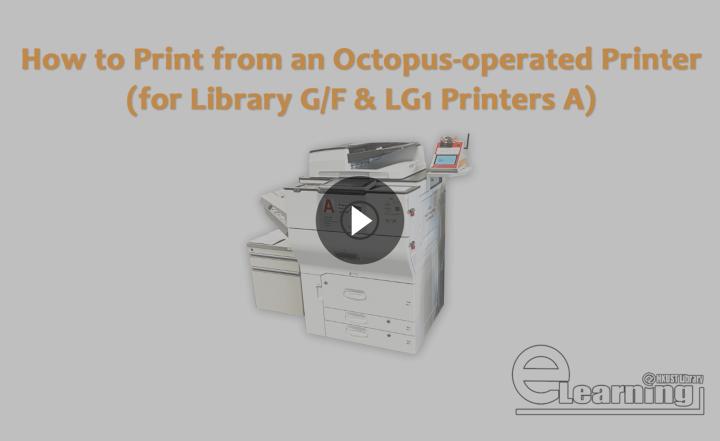
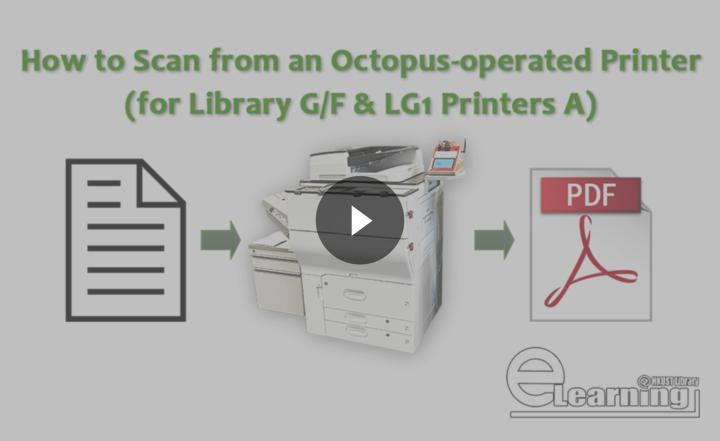
User Guides for Octopus-operated Printers
User Guides for ITSO Satellite Printers
Scanning
- Scanning is available at all public copiers on G/F, LG1 and LG4 (near Lift B lobby). To scan a document from an ITSO satellite printer, refer to ITSO Printing Facilities for details.
- A smart desktop scanner is available at the Information Commons.
- You can save the scanned documents to your USB flash drive.
- Scanning is free of charge.
Copyright Issue
It is important to observe and respect copyright laws when you copy or scan any intellectual work. Read the HKUST Library’s Statement on Copyright for details.
Last modified date 27 Jan 2026
