




Semantic Scholar: Exploring Research Literature with "Meanings"

Different from Google Scholar, Semantic Scholar uses AI to extract meaning from research literature. It helps researchers to explore literature in a new way.
In previous posts we talked about various search tools to find scholarly works, including Lens.org and dimensions. This time we want to introduce to HKUST researchers another interesting tool: Semantic Scholar. You can explore related papers through Topic Pages, Author Pages, and Research Feeds. These features are particular useful for novice researchers who are building your own knowledge base in your areas. In this post, I am going to share a few observations I have using Semantic Scholar.
Search Results Supplementing Other Search Tools
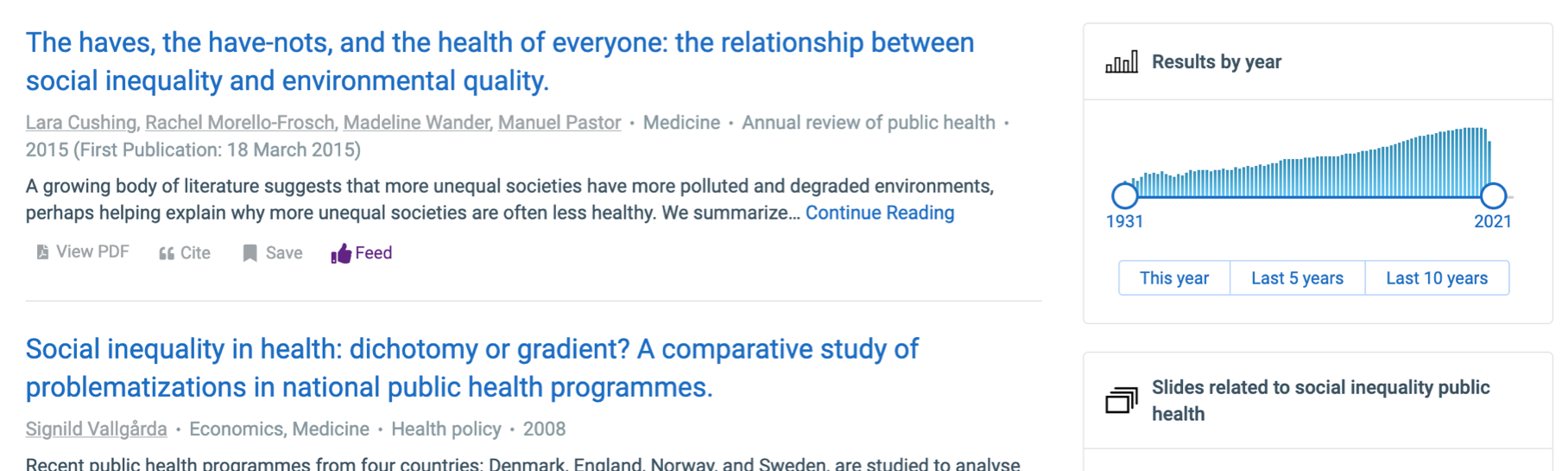
Each database has its own scope and search algorithms. When you want to look for more papers on a particular topic, you should try multiple databases. As expected, Semantic Scholar finds results different from Google Scholar. I did a search with the terms "social inequality public health" at both, among the first screen of results, there is none in common. In Google Scholar, the highly cited papers are more prominent at the top of the list. Semantic Scholar calculates the relevance in a different way.
What I like particularly about the result presentation is that you can easily see the year range and make filters using the box on the right:
Find more through Topics and Related Papers
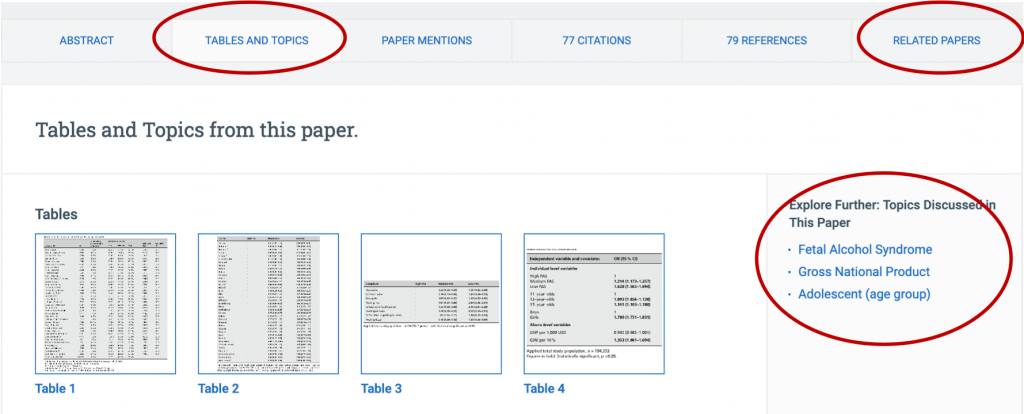
Once you click a result, there is a lot you can explore about the research. Apart from the cited and the citing, you can find other papers at the Topic Page and Related Papers:
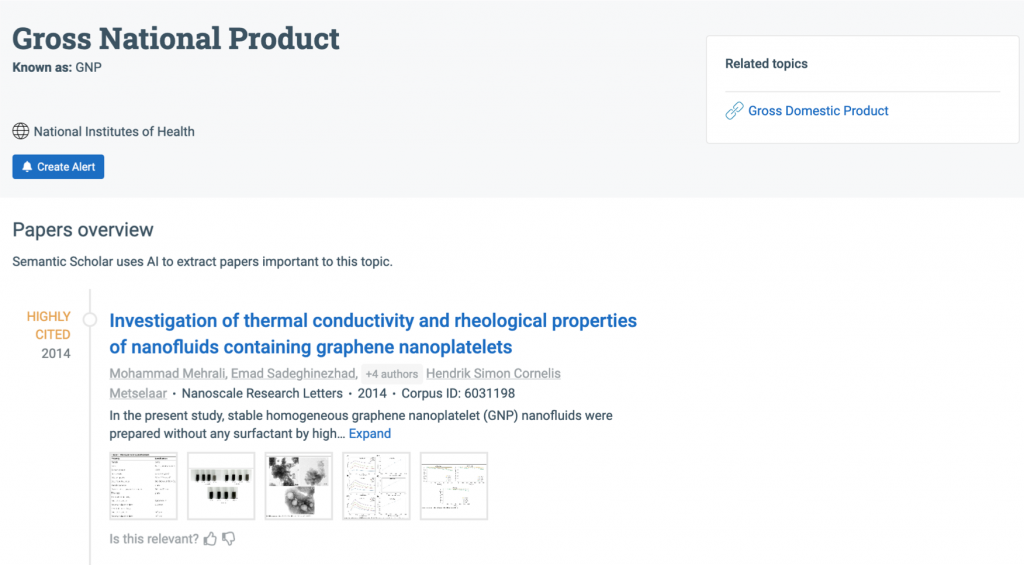
The Topic Page shows you important papers in that topic:
Citation Context
With tradition citation-based tool such as Google Scholar, all citations are counted equal. Semantic Scholar can provide more information about the citation context: Cite Background, Cite Methods and Cite Results.
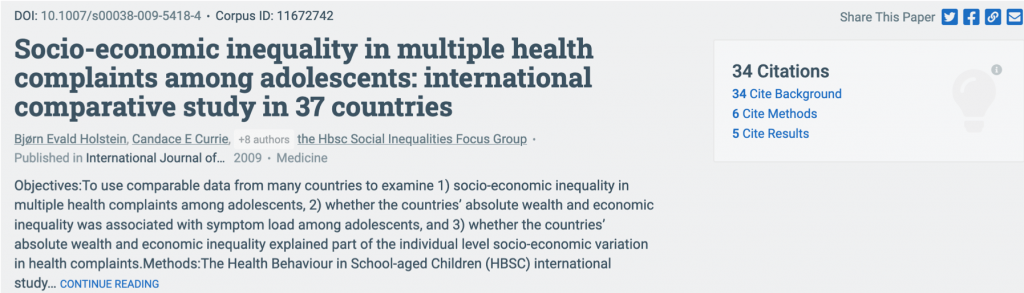
Also pay attention to the Highly Influential Citations, highlighting citations that have stronger influence. 
Your Library and Research Feeds
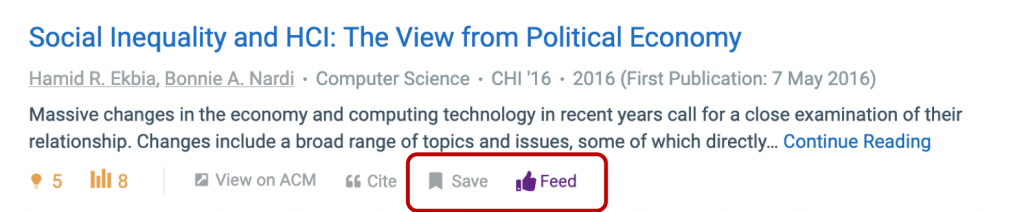
Under every hit, you can easily save the paper to your Library, or add to your Research Feeds. To use these, you would have to create a free account.
What Else?
Semantic Scholar seems to be an interesting supplementary tool for literature search. It is growing; probably with more people using it, the performance would improve. I would suggest you to take a look, explore their author pages, trace useful papers through citation relations that you do not see in other databases. If you have publications, you can create your account, claim your works in the database and see how your work influences and is influenced by a network of researchers out there. If you find anything interesting, do share with me!
